Following the basic Qinglong setup and JD coins automation, here’s a walkthrough for the BiliTools project. I added notes based on the original docs—use as a reference.
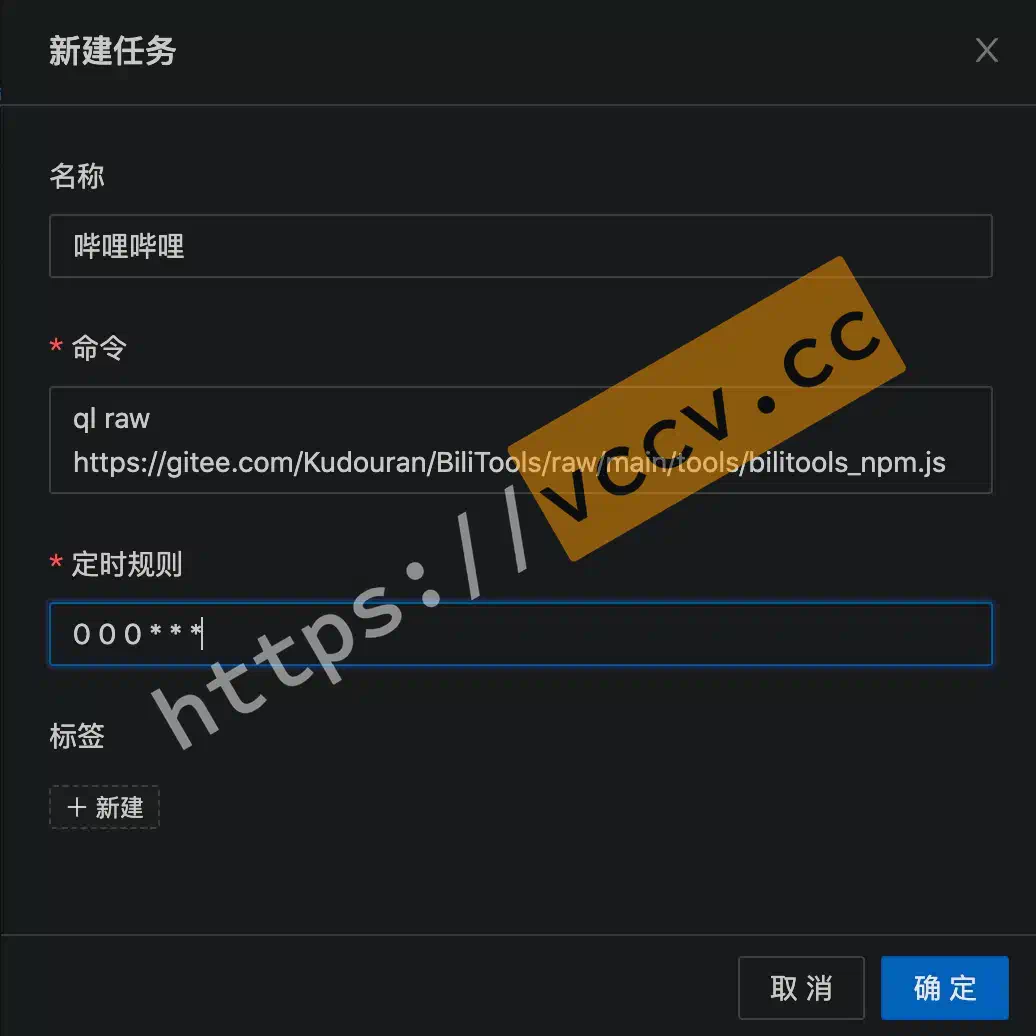
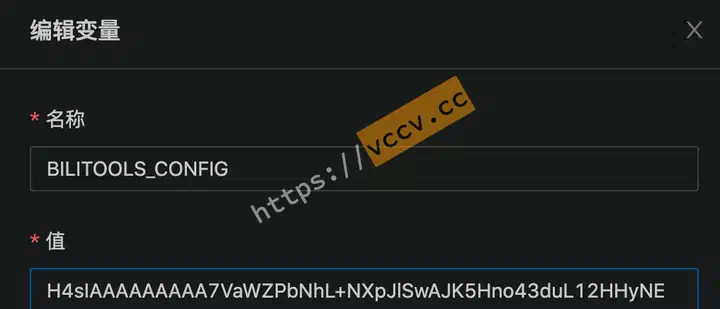
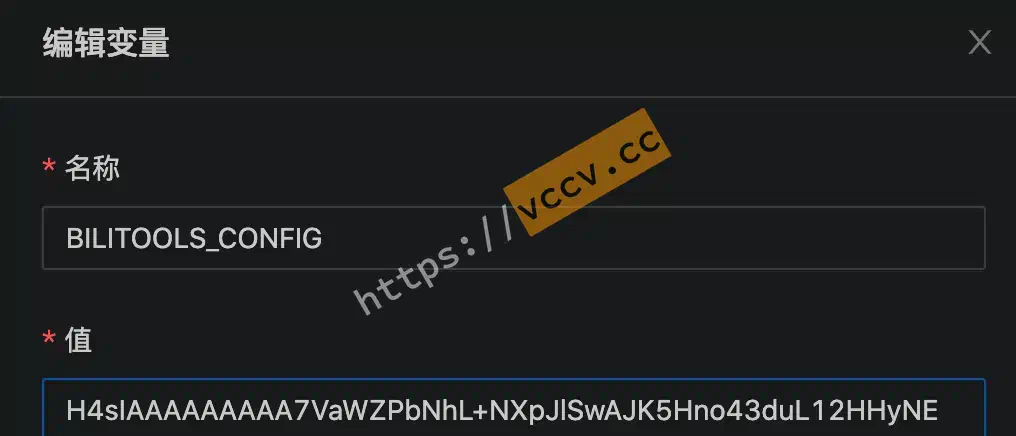
In Qinglong Panel -> Cron Jobs -> New job, set Name (anything), Command (ql raw https://gitee.com/Kudouran/BiliTools/raw/main/tools/bilitools_npm.js), Schedule (0 0 0 * * *), then create and run once manually.
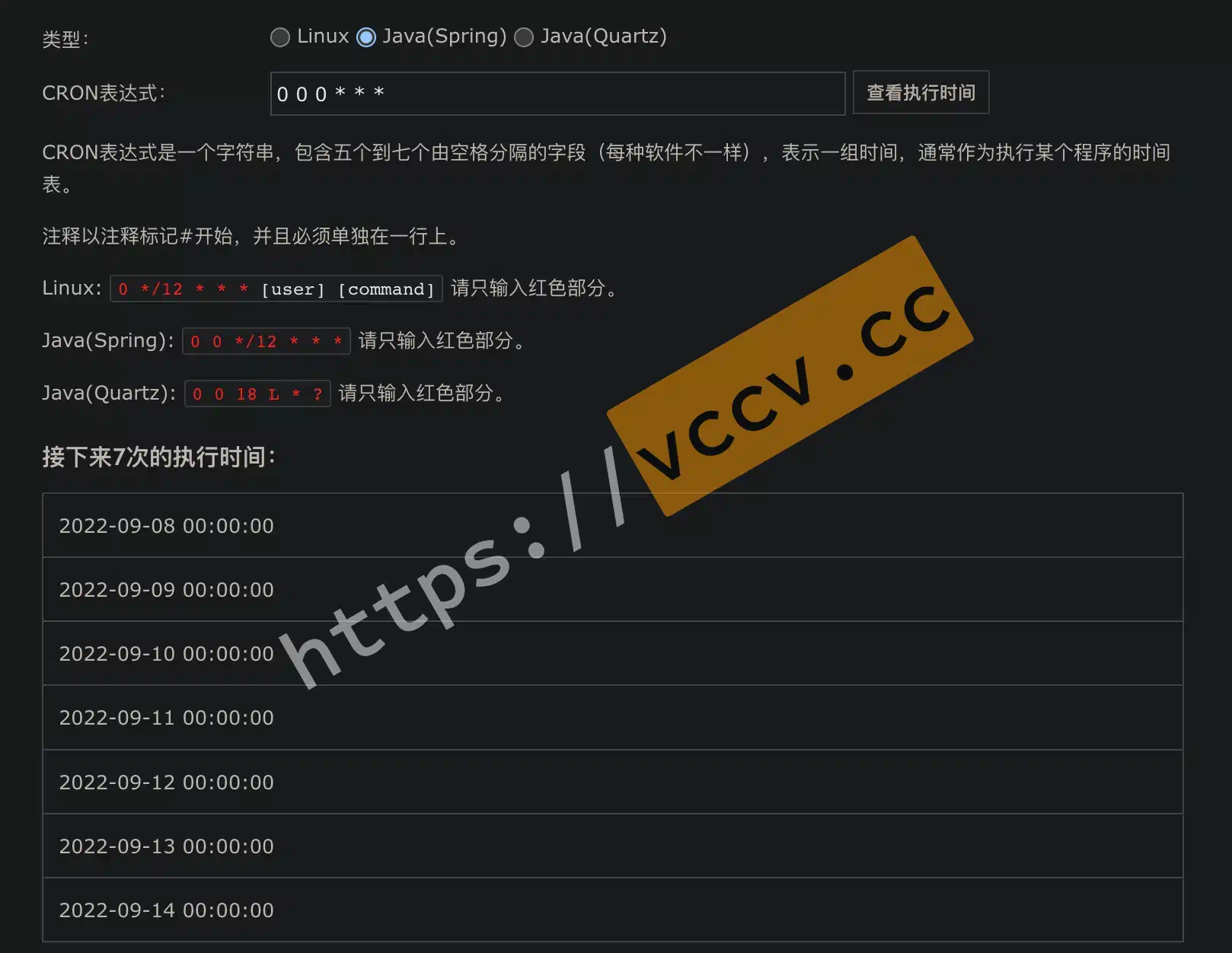
About the cron rule:
This uses a Java-style cron expression. 0 0 0 * * * means once daily at midnight. Adjust with an online tool
if needed.
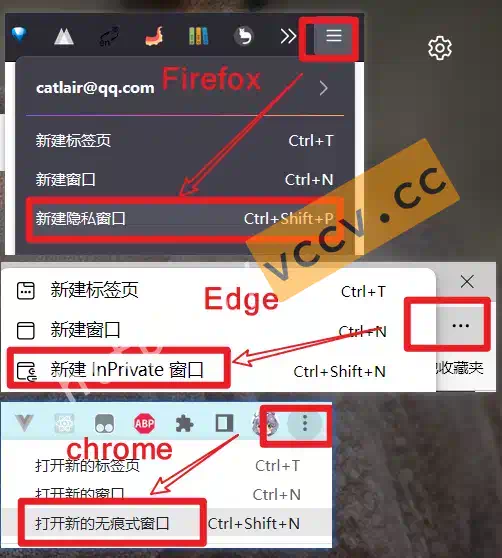
To avoid cookie refresh/invalidations (e.g., if you frequently browse Bilibili, the session might rotate), don’t copy cookies from your everyday session. Instead, open a private/incognito window, log in, and capture a fresh cookie. Close the window directly—don’t log out or the cookie dies immediately.
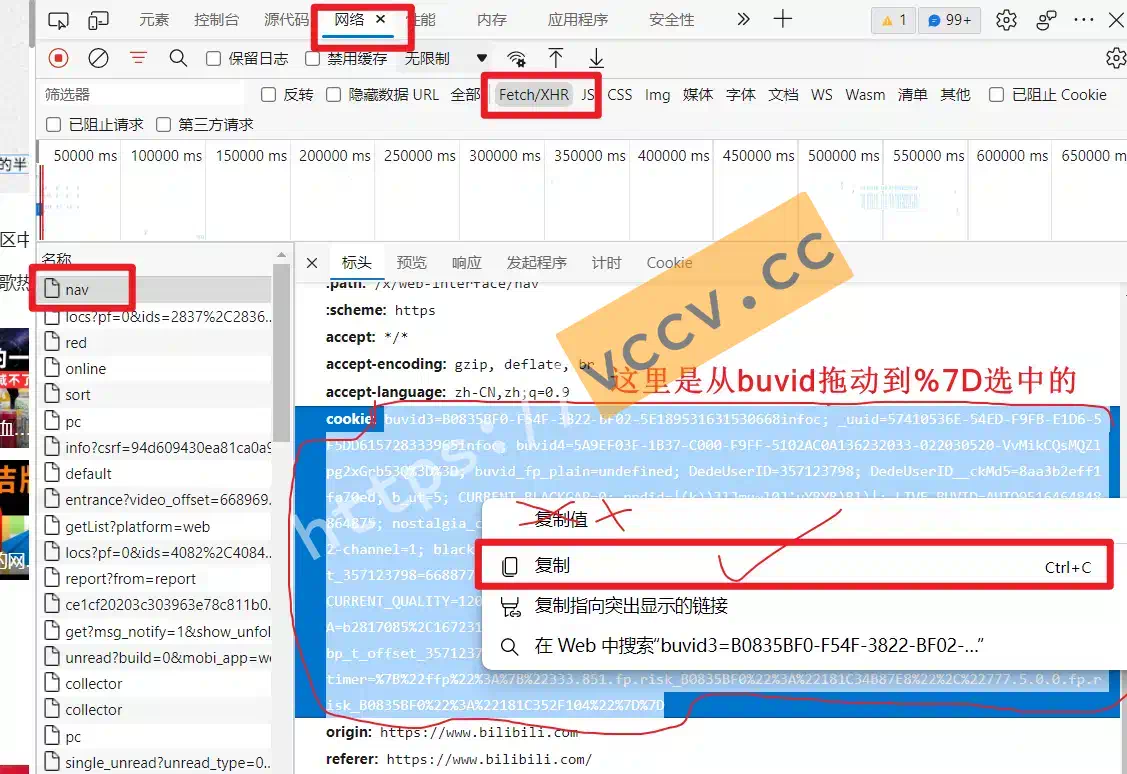
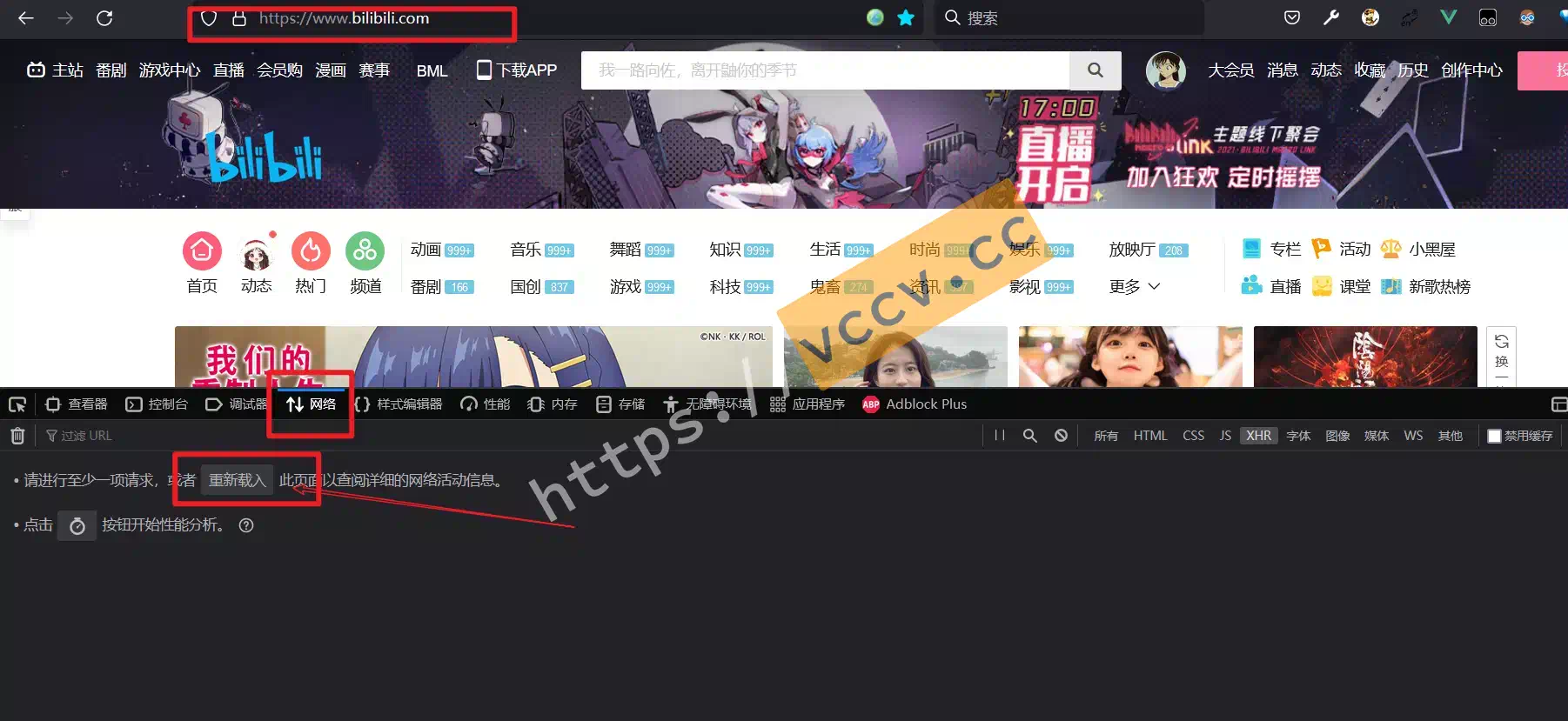
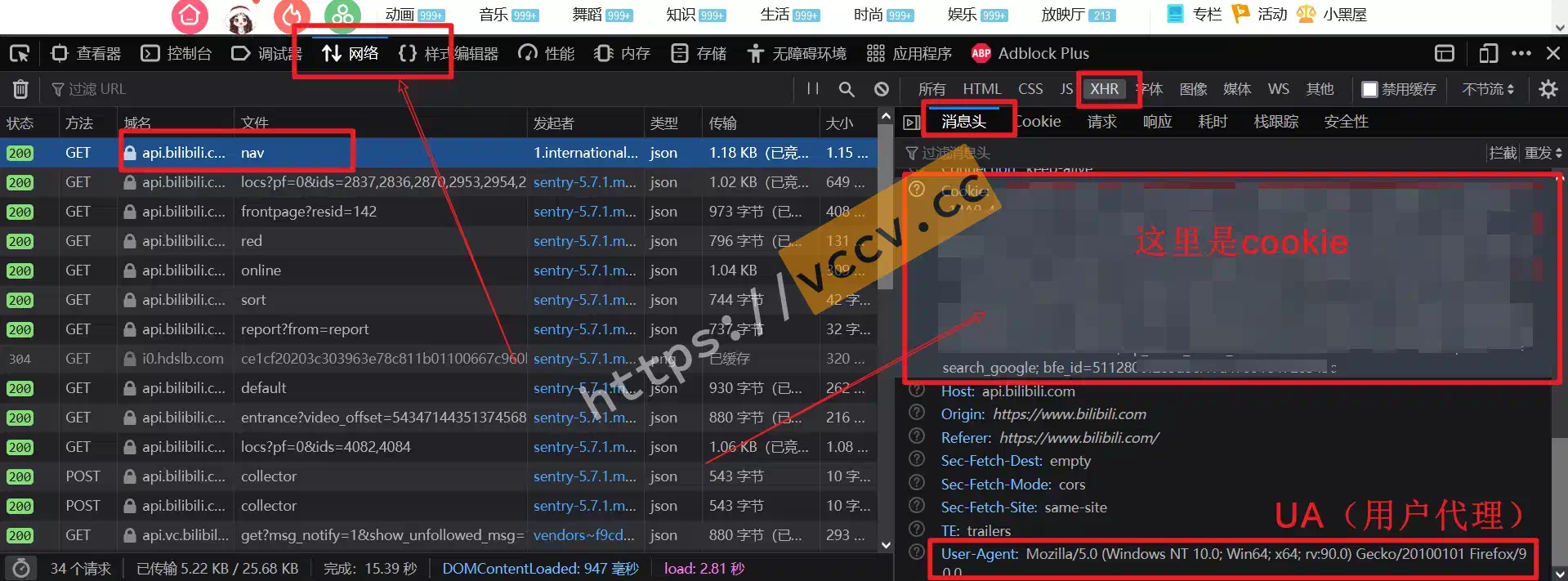
Open an incognito window, visit Bilibili, log in. Press F12 (or right-click -> Inspect), switch to Network, refresh, click a request (often the first nav request), then copy the cookie.
When copying in Chromium browsers, choose Copy (not “Copy value”).
[// Lines starting with // are comments
{// Browser User-Agent; grab from http://service.spiritsoft.cn/ua.html
userAgent:'',// General API delay range (seconds)
apiDelay:[2,6],// Bilibili cookie (see above)
cookie:"",// Features to run
function:{silver2Coin:true,addCoins:true,liveSignTask:true,shareAndWatch:true,mangaTask:true,supGroupSign:false,useCouponBp:true,getVipPrivilege:true,giveGift:false,matchGame:false,batchUnfollow:true,liveLottery:false,liveRedPack:true,liveIntimacy:false,bigPoint:false,judgement:false,activityLottery:false,},// Live red packet
redPack:{// 1: activity link (may be outdated); 2: scan; other = try all
source:0,// Activity link
uri:'https://api.live.bilibili.com/xlive/fuxi-interface/AugRedPacket2022Controller/redPocketPlaying',
// Interval between rounds (seconds)
intervalActive:60,// Mid-break: [count, rest minutes (<1 ends)]
restTime:[-1,-1],// Suspected risk cooldown: [count, rest minutes (<1 ends)]
riskTime:[-1,-1],// Concurrent rooms
linkRoomNum:1,// Bullet comments sent while waiting [fixed] or [min,max]
dmNum:[10],// Handle followed users while waiting (read/move)
moveUpInWait:true,/**MovefollowedUPsintogroup*/moveTag:'rp关注',/**Followreplyhandling*/actFollowMsg:'read',// Total participation limit (-1 = none)
totalNum:-1,// Stop after N consecutive losses (<1 = no limit)
noWinNum:10,// Stop after N suspected risk events (<1 = no limit)
riskNum:5,},// Auto unfollow
unFollow:{// Interval per unfollow (seconds)
delay:3,// Mid-break [count, rest minutes] (positive only)
restTime:[20,-1],// Total limit (-1 = none)
totalNum:-1,// Tags to unfollow
tags:['天选时刻','rp关注'],},// Notifications
message:{br:'\n',// Qinglong-friendly example: WeCom webhook key
'QYWX_KEY':"Fill your key here",},// Coin settings
coin:{targetLevel:6,stayCoins:0,targetCoins:5,customizeUp:[],todayCoins:0,upperAccMatch:false,},// Use B-coins
couponBalance:{/**Defaultchargetarget(selfbydefault)*/mid:0,/**Presetdays;empty=daily*/presetTime:[10,20],/**Mode:charge/battery*/use:'充电',},// Live gifts
gift:{// Custom gift targets (randomly chosen)
mids:[],// Other fields omitted
},// Intimacy
intimacy:{liveSendMessage:true,liveLike:true,limitFeed:1500,liveHeart:false,whiteList:[],blackList:[],},// Manga
manga:{sign:true,buy:false,mc:[],name:[],love:true,buyInterval:2,buyWeek:[],},// Jury
jury:{mode:1,vote:[0,0,1],once:true,opinionMin:3,waitTime:20,},// Big points
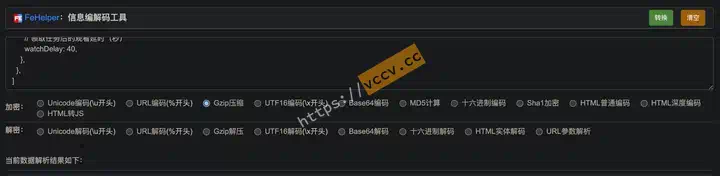
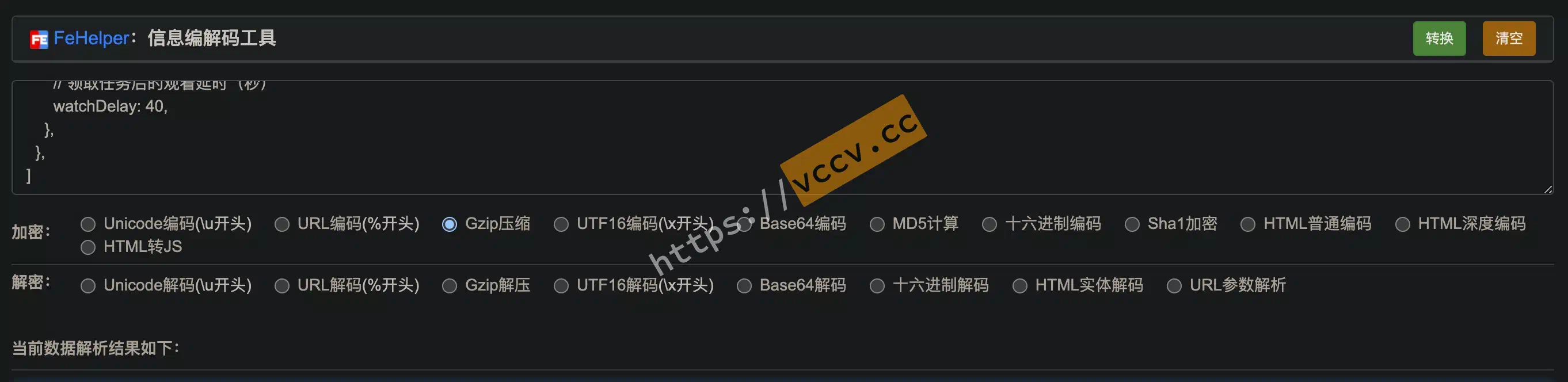
bigPoint:{isRetry:true,isWatch:true,epids:[],watchDelay:40,},},]
If you use the template, edit these four places:
User-Agentrequired — copy the red text from this site
.
Cookierequired — see above.
Coin settings — adjust as needed (e.g., disable once you reach Lv6).