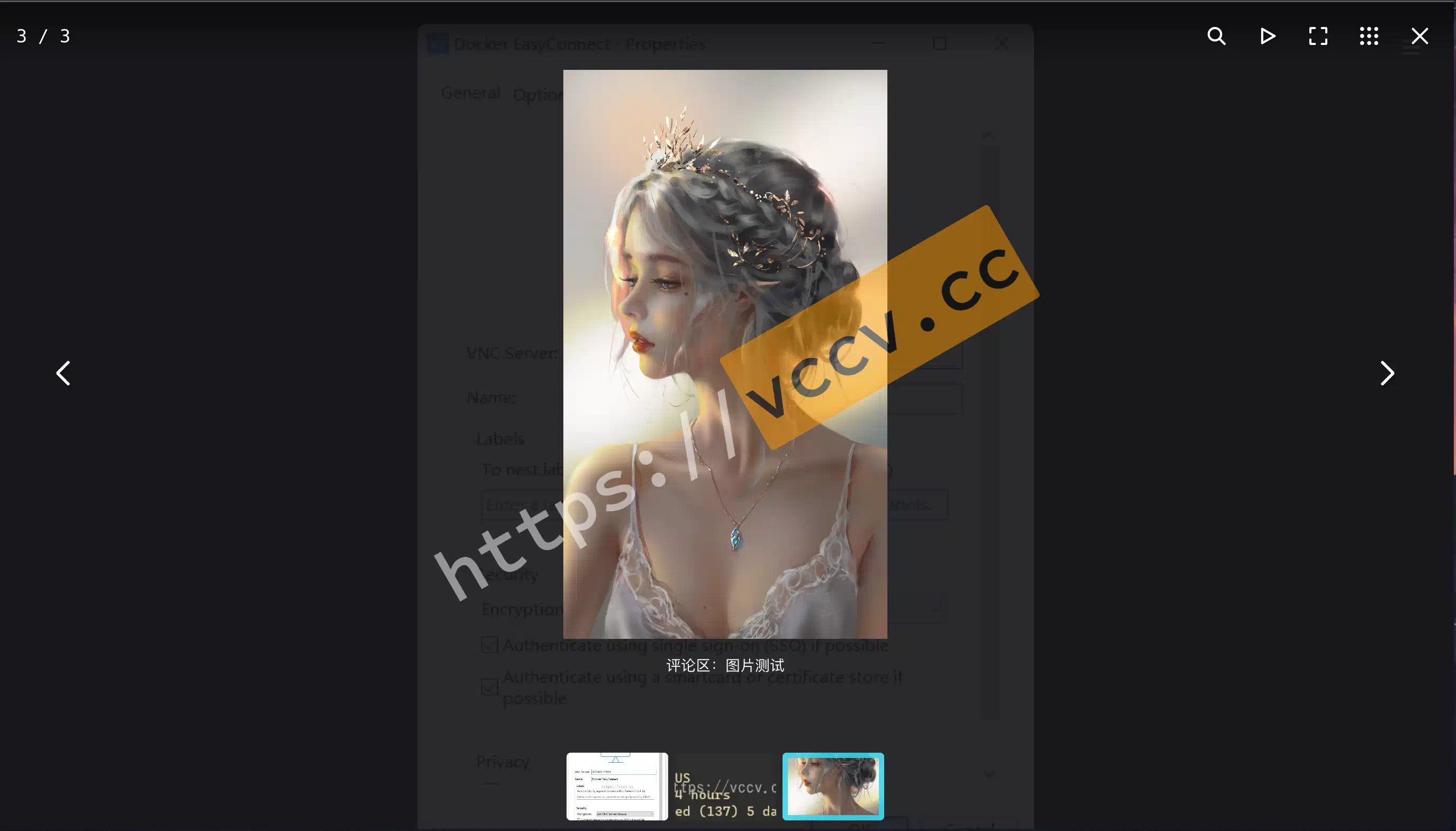
Early this year I documented how to add Fancybox to the Hexo cactus theme. Later I switched the comment system to Twikoo. While upgrading today I saw a post about integrating Twikoo with lightGallery to enlarge comment images. Since I already use Fancybox, I decided to wire Twikoo up to Fancybox instead.
In this post
I explained how to add Fancybox to the cactus theme. I later swapped my comment system to Twikoo
. While upgrading today I stumbled across: Integrate Twikoo with lightGallery to zoom comment images
. Since Fancybox is already installed, I might as well hook Twikoo to Fancybox.
The idea: find images (img) inside the comment area (tk-content), wrap each with the plugin-specific <a> markup, insert it, then remove the original image.
You can swap in other plugins by adjusting the markup:
Copy the structure and switch attributes to Fancybox. For example, lightGallery needs class="tk-lg-link", whereas Fancybox needs data-fancybox="gallery". So replace aEl.setAttribute('class', 'tk-lg-link'); with aEl.setAttribute('data-fancybox', 'gallery');, and so on.