Preface
I’ve seen several guides on sniffing the Star Rail gacha link on Android (ADB or desktop assisted). Thanks to the WeChat public account 星穹铁道工坊 for sharing.
For Star Rail sniffing:
The simplest approach is on a PC or iOS. If you only have Android, the ADB method above is simpler for non-tinkerers.
The method here isn’t simple—it’s fairly involved. But hey, tinkering is about persistence.
This guide targets rooted users who want to operate entirely on-device. The same approach works for other apps besides Star Rail.
Prep
Prerequisites:
Install these apps/modules:
- Http Canary (v3.3.6): packet capture (aka “Little Yellow Bird”)
- AiWanJi Toolbox: fixes the Http Canary cert
- TrustMeAlready & JustTrustMe: partially handle apps that pin certificates
- “CA certificate completion” Magisk module
I’ve bundled them on Lanzou: download (password: ft5q). Steps below explain the setup.
Http Canary
This section shows how to install Http Canary’s certificate into the system store on newer Android versions. You can also read the original (in Chinese) here by user 密西根碎冰蓝. My short version:
Tip: in Shamiko choose Blacklist mode (default). Don’t hide root from Http Canary even if it already has root.
Flash the 抓包CA证书补齐_18002.zip module via Magisk, reboot to apply.
Install and open Http Canary. If prompted to install a cert, tap Skip.
We rely on the Magisk module to install the cert, not the in-app flow.
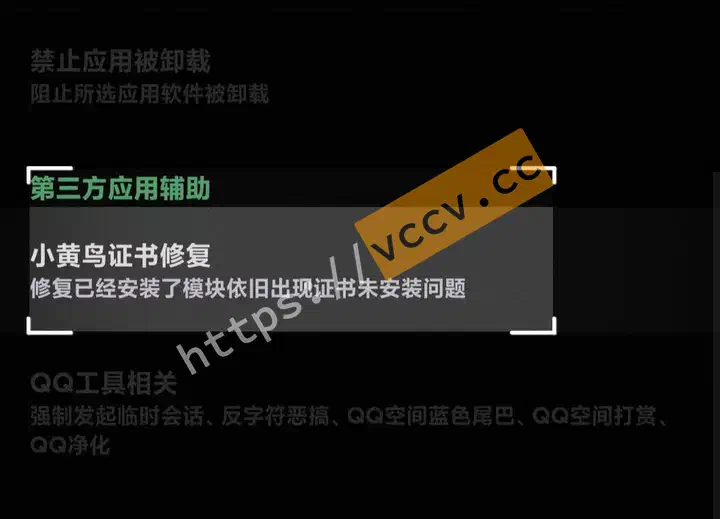
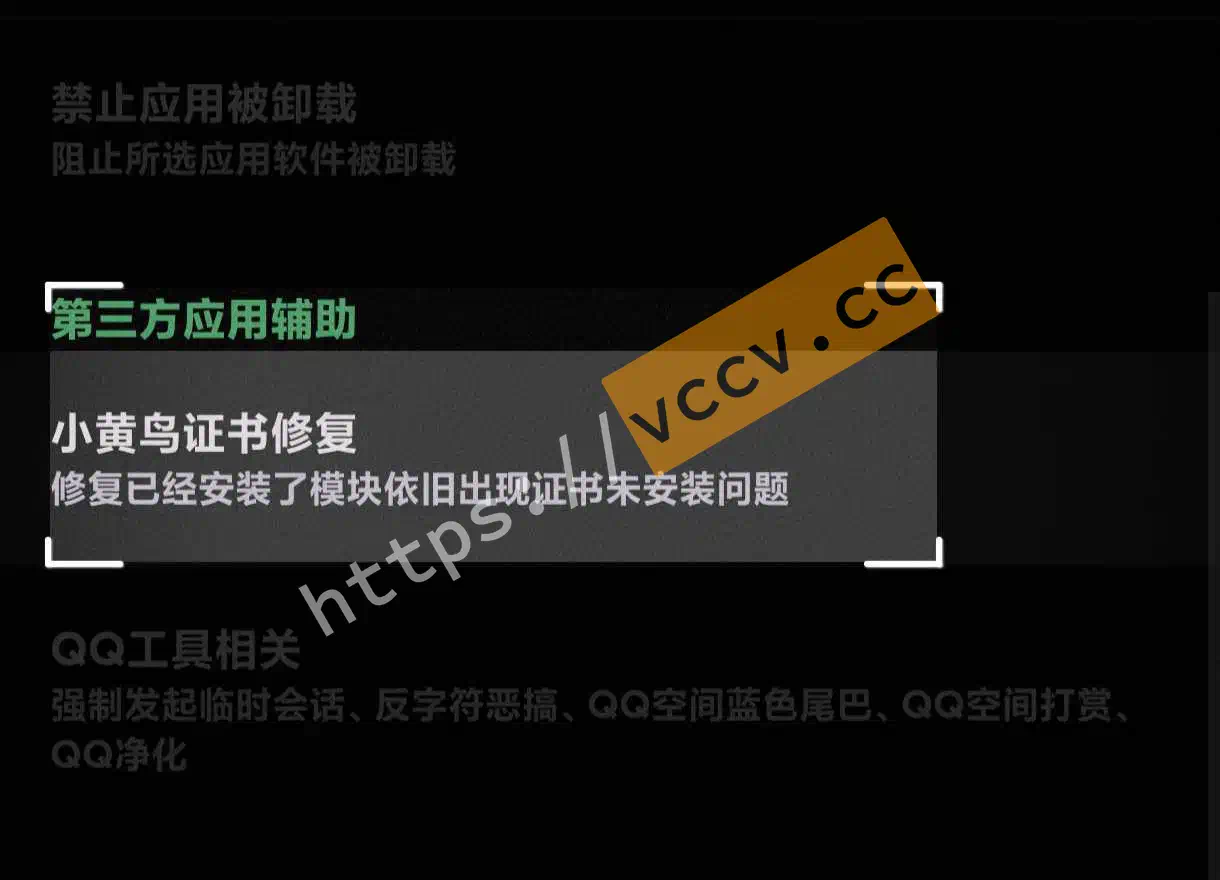
Reopen Http Canary; it will still say the cert is missing. Force stop the app, install AiWanJi Toolbox (grant root via Magisk module mode), and run the fix:
Path: App-related -> Third-party app assist -> Http Canary cert fix.
In Http Canary open the side menu -> Settings -> HttpCanary root certificate. The subtitle under Install HttpCanary root certificate should say Installed. If not, reinstall and repeat the step above.

Tap Add root certificate to system (Root), then tap Move and grant root. Even if the move fails, the setup still worked for me.

Flash the LSPosed modules JustTrustMe and TrustMeAlready, then tick the target apps (both modules need the app checked).
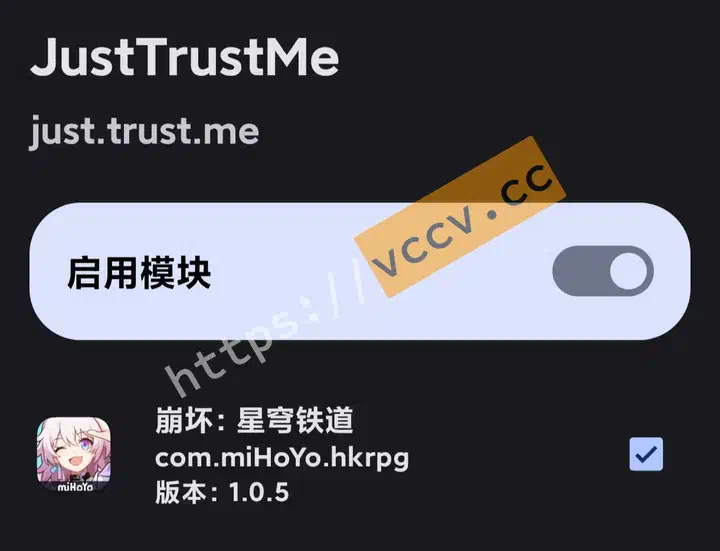
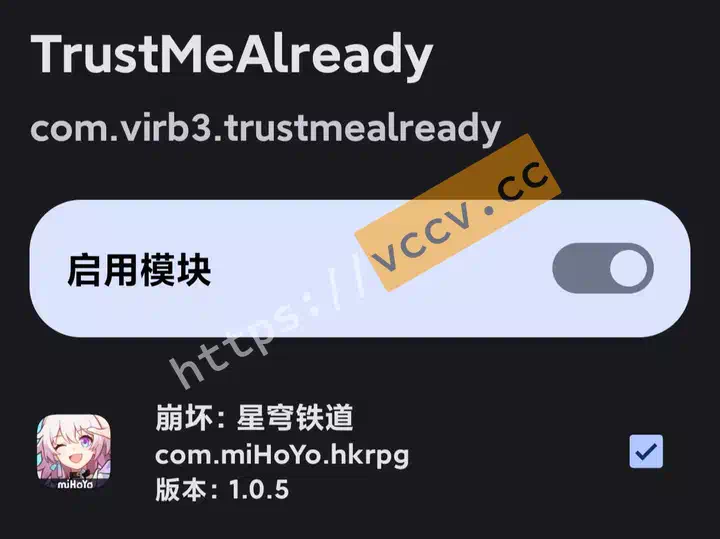


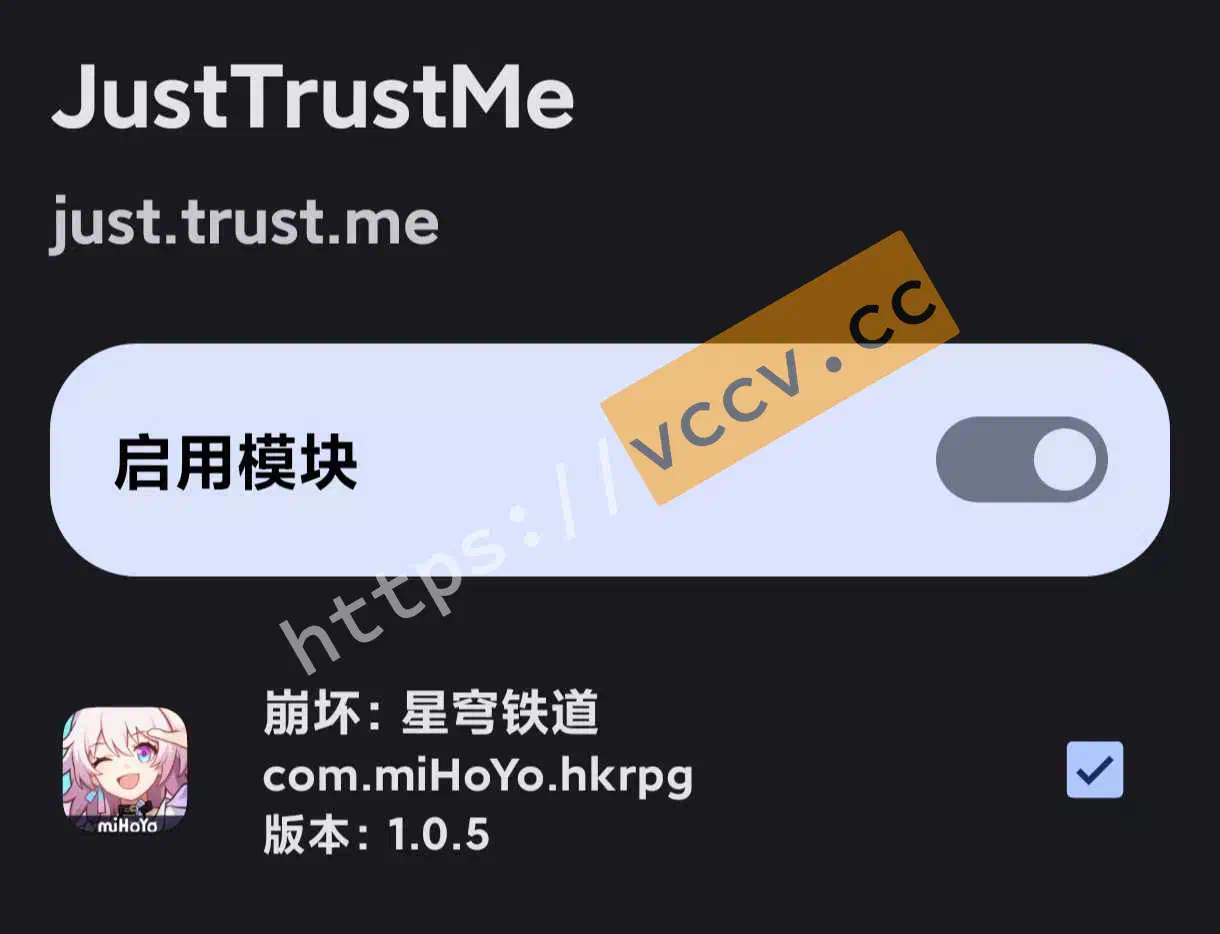
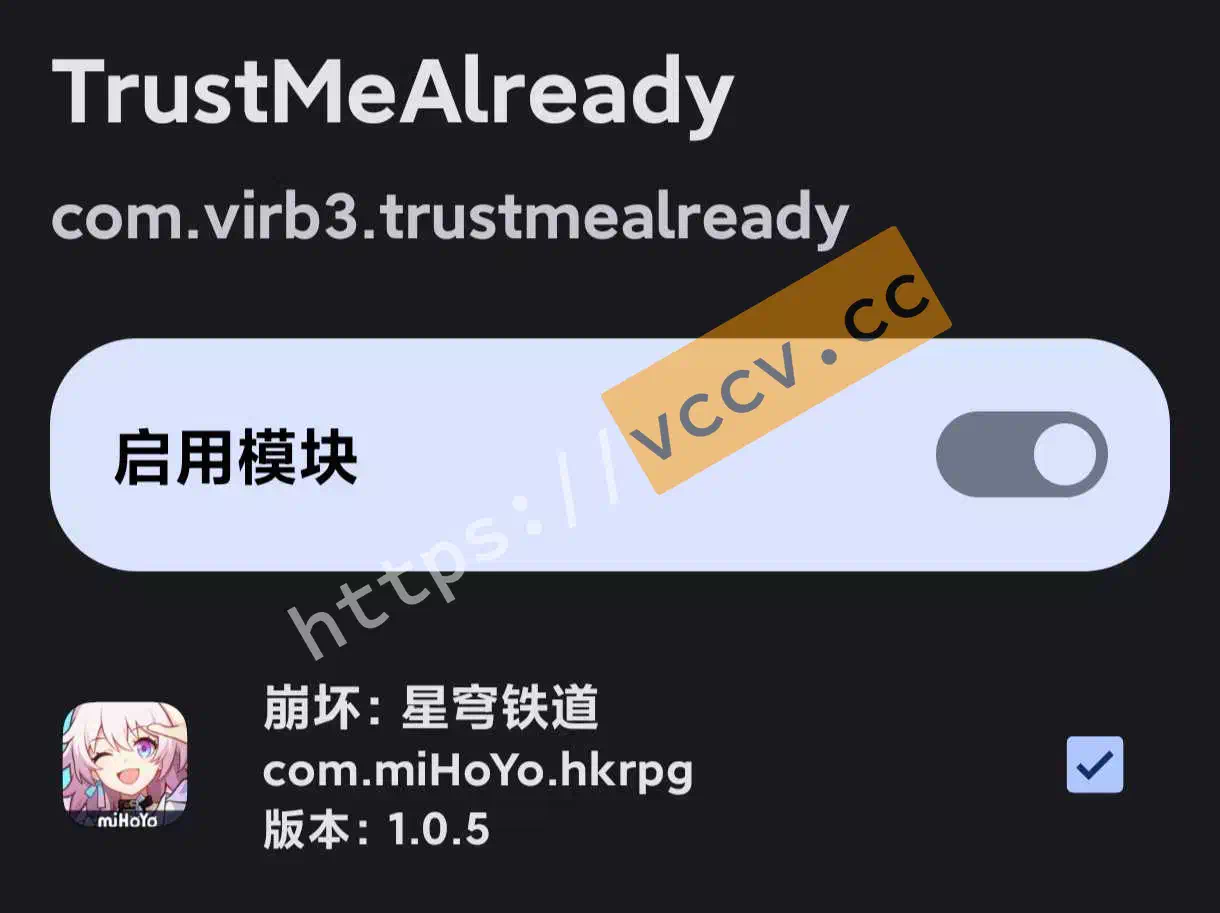
That’s all the environment setup.
Star Rail
This part is Star Rail-specific, but the same logic applies to other apps.
Note:
Even with this setup, some apps can’t be sniffed due to enhanced network security (e.g., banking apps). For those you’ll need other techniques (reverse-engineering, etc.). See this thread .
Star Rail has similar protections—if you start capturing before entering the game you’ll see network errors. Instead, log in normally, enter the Warp page, then start Http Canary. Return to the Warp screen, view Details, then History to grab the data.
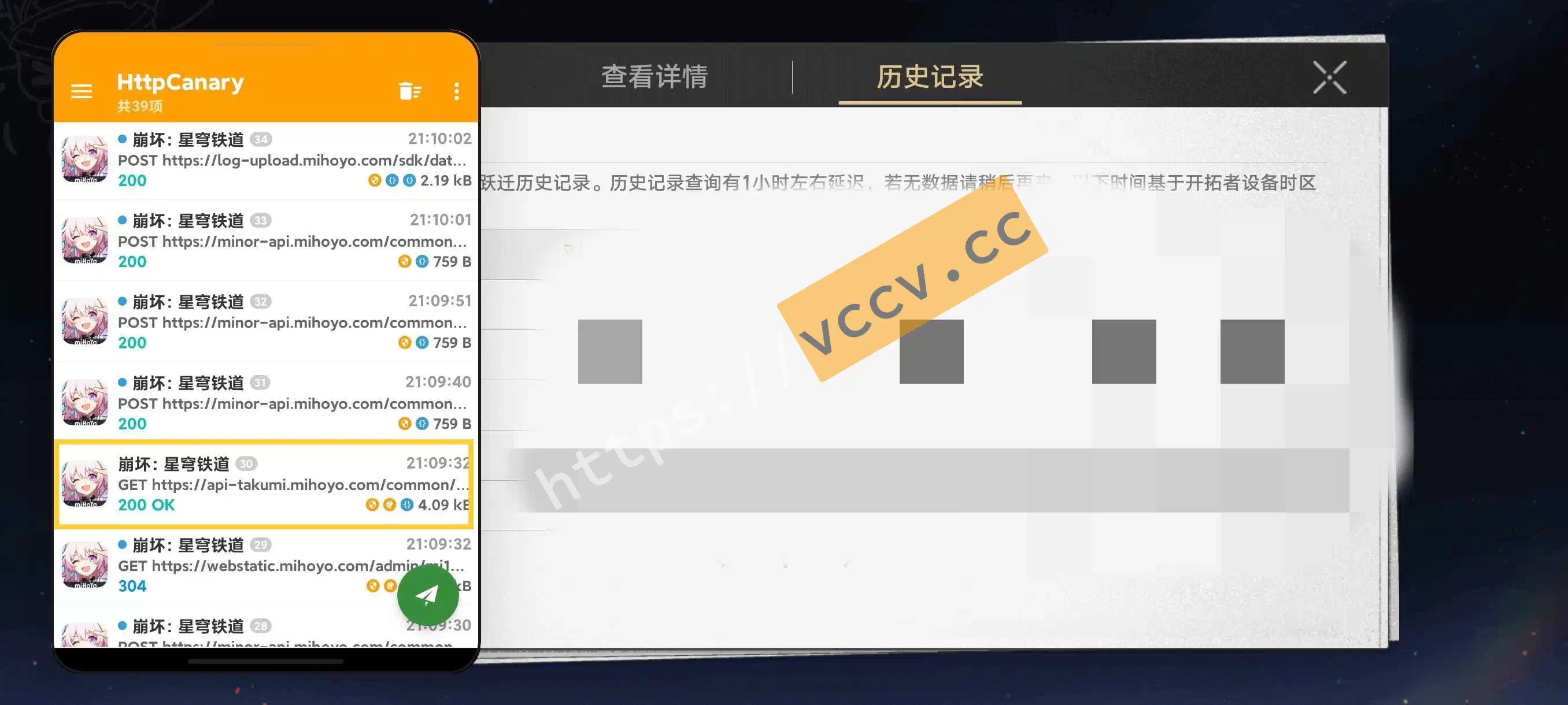
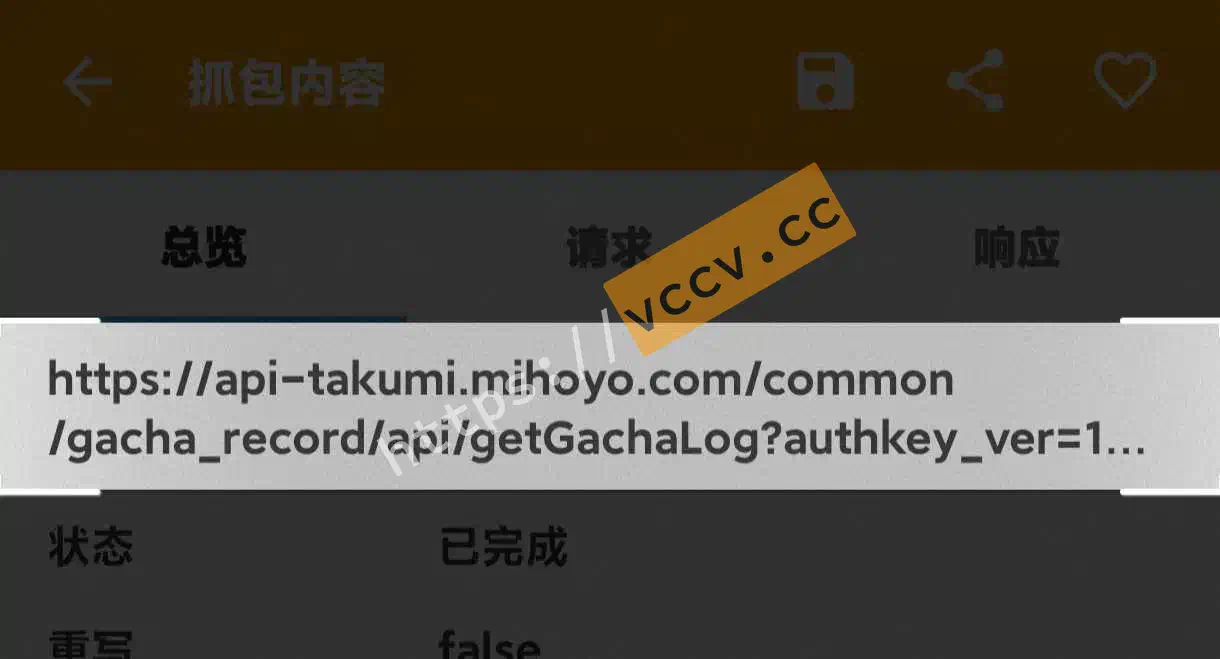
Back in Http Canary, find the URL starting with api-takumi.mihoyo.com. Open it and long-press the highlighted area to copy.
Wrap-up
Most of this post is about getting Http Canary running. For apps without heavy network hardening, that’s enough. For stricter apps, tailor the approach accordingly.